Why Google Merchant Center Disapproves Your Products (and How to Fix Every Reason)
Google Merchant Center disapprovals are the quiet killer of Shopping performance. A disapproved product doesn’t just rank lower — it’s pulled out of Shopping entirely. You keep paying for traffic and budget that can never reach it, and most merchants don’t notice until sales dip.
The good news: the overwhelming majority of disapprovals are data-quality problems, not policy bans. They’re fixable, and usually fast.
What “disapproved” actually means
When Google can’t trust or match your product data, it stops showing the item. Per Google’s own Merchant Center documentation, the most common triggers fall into a handful of buckets:
- Missing or incorrect GTIN. If the barcode/identifier doesn’t resolve to a known product, items “won’t be synced… and are disapproved.”
- Image issues. Below the minimum size (100×100px, or 250×250 for apparel), or containing promotional overlays, watermarks, or text.
- Missing required attributes. Apparel needs gender, age group, size, and color — omissions get flagged.
- Data mismatch. Price, availability, or details in your feed that don’t match the live product page.
- Policy violations. The smaller bucket — prohibited content or restricted products.
Why it’s usually a data problem, not a ban
Google explicitly separates data-quality disapprovals from policy ones. The data-quality ones — identifiers, images, attributes, mismatches — are entirely within your control and are where ShopFlix AI focuses. Fixing them is the single highest-leverage thing you can do for Shopping.
The cost of getting it wrong
It isn’t only about ad eligibility. Inconsistent and inaccurate product data quietly costs you sales and trust even when items are approved:
And getting identifiers right pays off directly: Google has reported that supplying correct GTINs can lift conversions by up to 20% and impressions by around 40%. Clean data isn’t hygiene — it’s growth.
ShopFlix AI
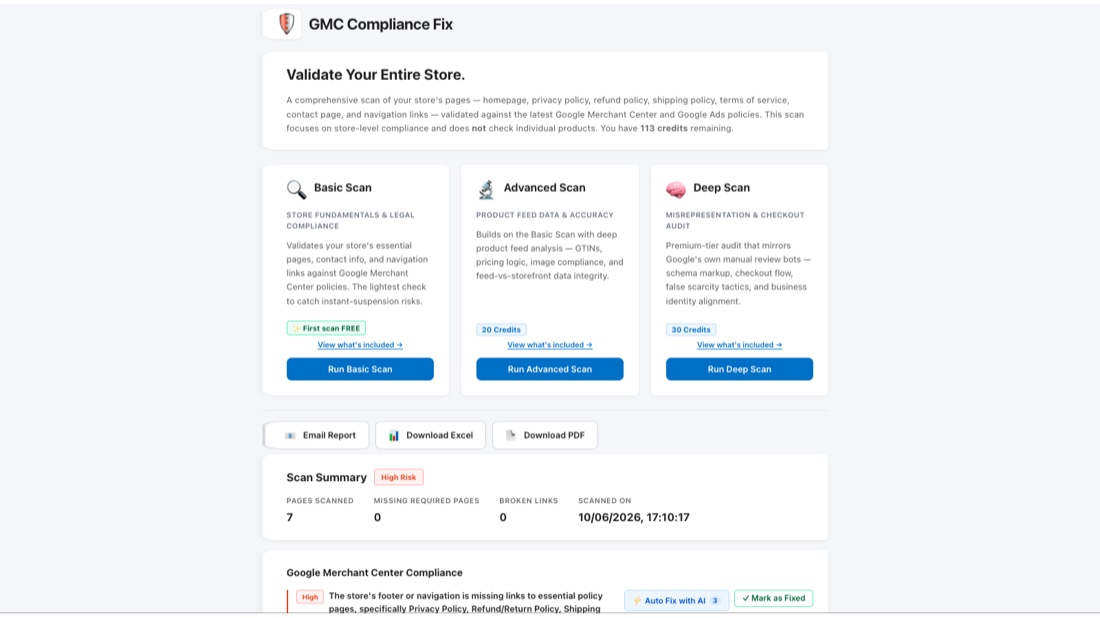
ShopFlix AI scans your whole catalogue, fixes Merchant Center errors, and rewrites titles & descriptions for Shopping — automatically.
Join the discussion
Got a question or your own experience to share? Comments are moderated lightly to keep things useful.